






Scent Hounds and Related Breeds
A diverse group of breeds associated with scent work and activities.
-
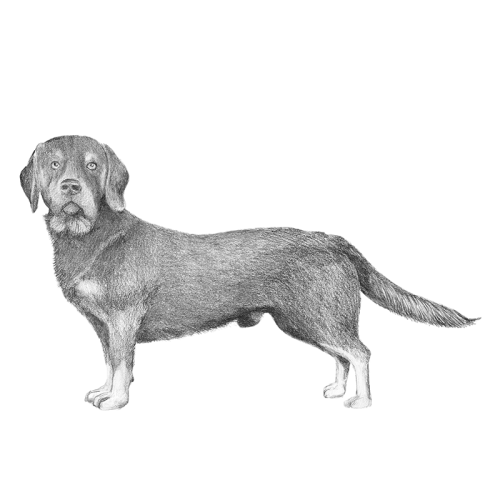
Alpine Dachsbracke
A small scent hound breed from Austria, developed for tracking wounded deer and other game in mountainous terrain. It has a long body, short legs, and a dense coat,...FCI Group 6
AKC Not Recognized
TKC Not Recognized -
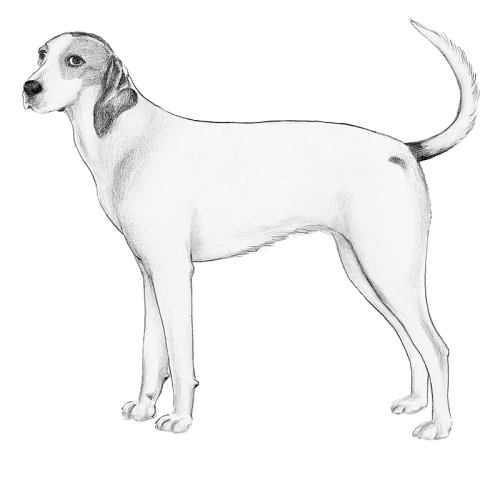
American Foxhound
Developed in the American colonies in the 17th–18th centuries by crossing English foxhounds with other scent hounds. It was bred specifically for fox hunting, valued...FCI Group 6
AKC Hound
TKC Not Recognized -

Ariégeois
Originally from the Ariège region of southern France in the 19th century, developed by crossing local hounds with breeds such as the Grand Bleu de Gascogne and the...FCI Group 6
AKC Not Recognized
TKC Not Recognized -
Artois Hound
Originating from the Artois region of northern France and dates back to at least the 15th century, where it was prized by French nobility as a skilled scent hound. It...FCI Group 6
AKC Not Recognized
TKC Not Recognized -
Austrian Black and Tan Hound
From the mountainous regions of Austria and likely descended from ancient Celtic scent hounds, with formal breeding beginning in the 19th century. It was developed as a...FCI Group 6
AKC Not Recognized
TKC Not Recognized -
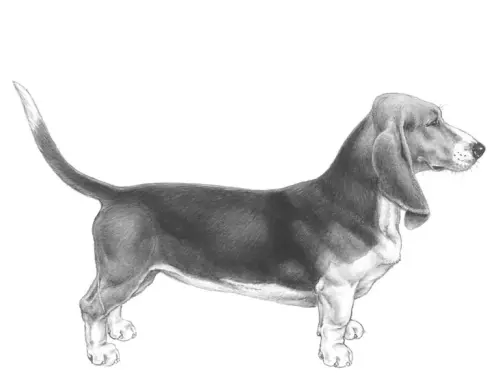
Basset Artésien Normand
From the regions of Artois and Normandy in France during the 19th century, developed from older French basset-type hounds to create a shorter-legged scent hound suited...FCI Group 6
AKC Not Recognized
TKC Not Recognized -
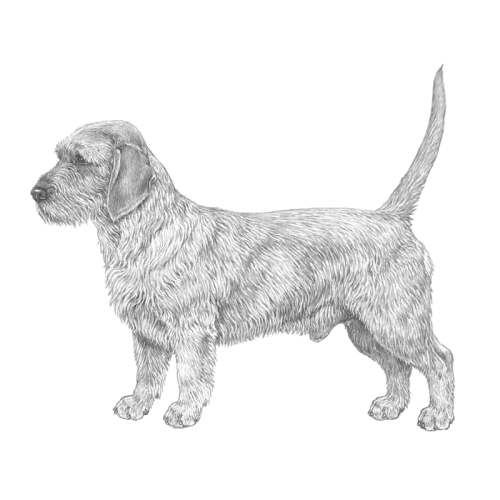
Basset Fauve de Bretagne
Developed from the larger Griffon Fauve de Bretagne to create a smaller scent hound suited for hunting rabbits and other small game. Today, it is still used for hunting...FCI Group 6
AKC Miscellaneous Class
TKC Hound -
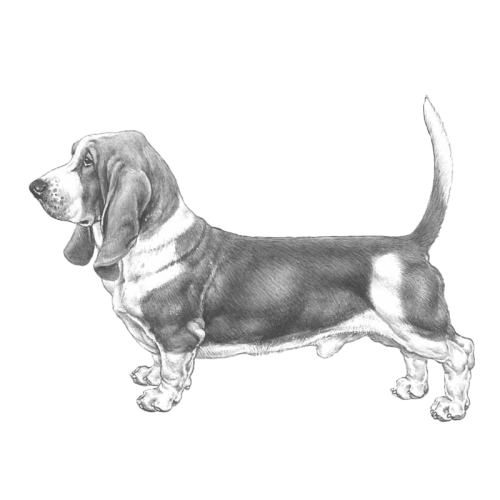
Basset Hound
The Basset Hound originated from short-legged scent hounds in continental Europe, bred to track rabbits and hare on foot, and the breed was later refined and popularized...FCI Group 6
AKC Hound
TKC Hound -
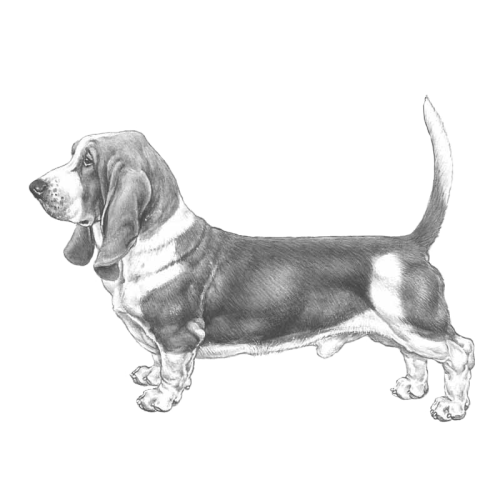
Bavarian Mountain Scenthound
Developed in the 19th century from local alpine hounds to create a hardy, versatile scent dog. Its unique purpose is tracking wounded or elusive game in mountainous...FCI Group 6
AKC Foundation Stock Service
TKC Hound -
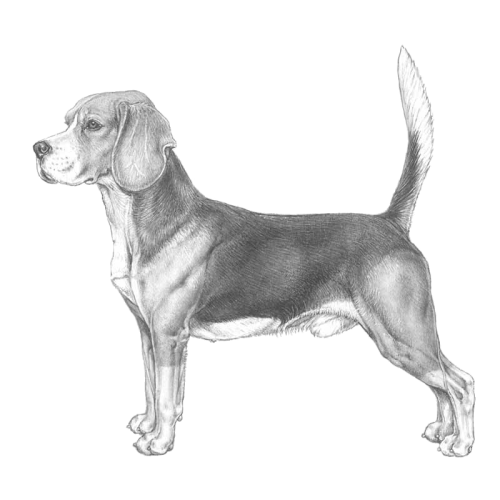
Beagle
A scent hound developed primarily for tracking hare, rabbit, deer, and other small gameFCI Group 6
AKC Hound
TKC Hound -
Beagle Harrier
Developed in the 19th century, bred by crossing the smaller Beagle with the larger Harrier to create a medium-sized hunting dog capable of pursuing hare and other small...FCI Group 6
AKC Not Recognized
TKC Not Recognized -
Billy
Developed in the Auvergne region of France in the 19th century, from large French scenthounds to hunt big game such as deer and wild boar. It is a robust, muscular hound...FCI Group 6
AKC Not Recognized
TKC Not Recognized -
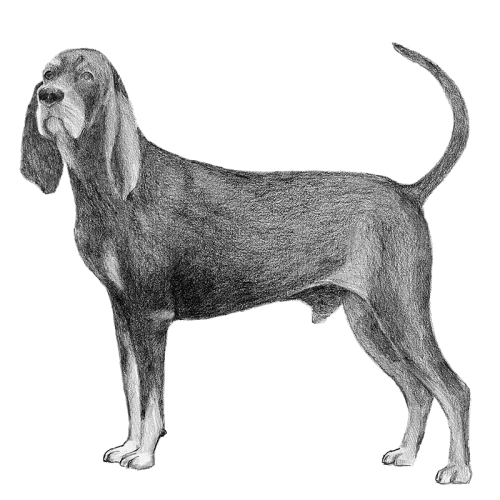
Black and Tan Coonhound
Developed in the United States in the 19th century from crosses of English Foxhounds and other scent hounds to track raccoons and other game. It is a large, athletic...FCI Group 6
AKC Hound
TKC Hound -
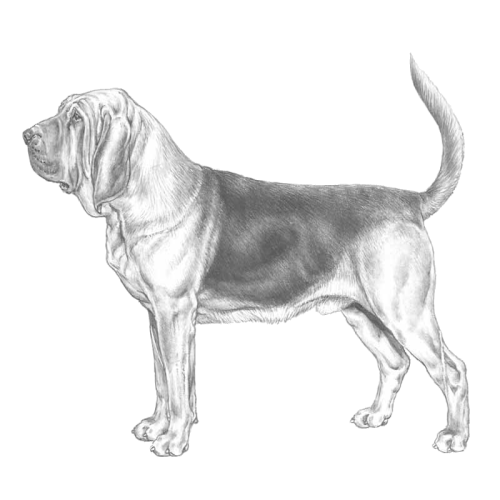
Bloodhound
A large, powerful scent hound with loose, wrinkled skin, long ears, and an extraordinary sense of smell capable of tracking scents over great distances and days. It...FCI Group 6
AKC Hound
TKC Hound -
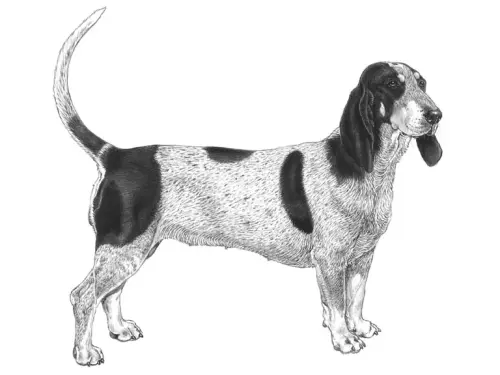
Blue Gascony Basset
A short-legged scent hound for hunting small game like hare and rabbit. It is a low-set, muscular dog with a distinctive mottled blue-and-black coat, long ears, deep...FCI Group 6
AKC Not Recognized
TKC Hound -
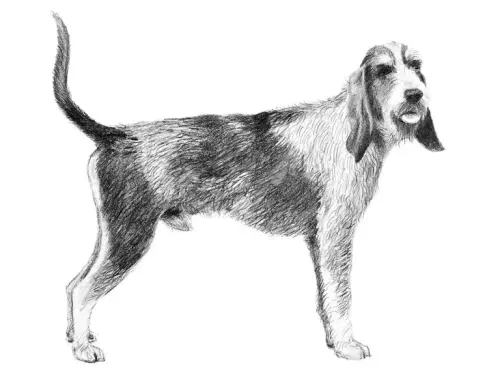
Blue Gascony Griffon
A medium-sized French scenthound with a wiry, blue-mottled coat, long ears, and a strong, muscular build. A notable fact is that it was bred for hunting in rugged...FCI Group 6
AKC Not Recognized
TKC Not Recognized -
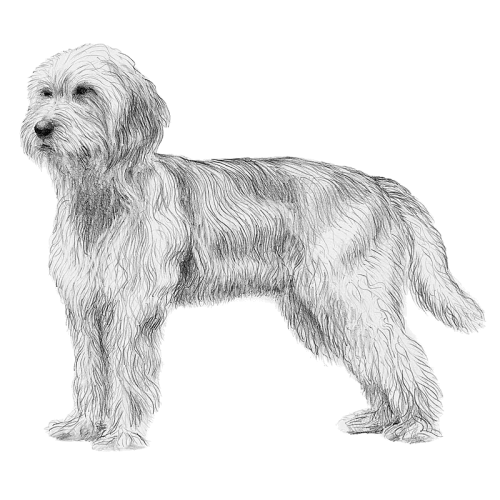
Bosnian Broken-haired Hound/ Barak
A medium-sized scent hound from Bosnia and Herzegovina with a dense, wiry coat suited for harsh terrain. It is primarily used for hunting large game such as boar and...FCI Group 6
AKC Not Recognized
TKC Not Recognized -
Briquet Griffon Vendéen
In the Vendée region of France in the 19th century, it was developed from the larger Griffon Vendéen to create a medium-sized, versatile hunting hound. It was bred...FCI Group 6
AKC Not Recognized
TKC Not Recognized -
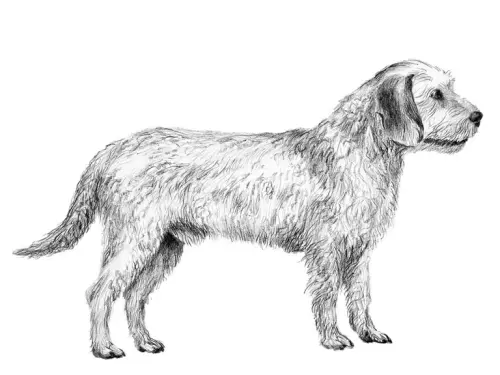
Coarse-haired Styrian Hound
A medium-sized scent hound from the Styria region of Austria, developed for hunting in mountainous and forested terrain. It has a rough, wiry coat, long ears, and a...FCI Group 6
AKC Not Recognized
TKC Not Recognized -
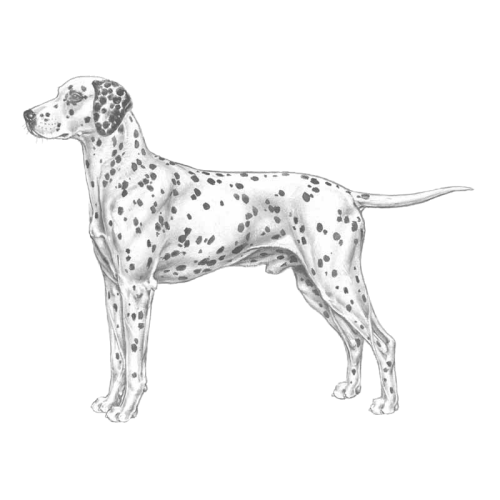
Dalmatian
Originally used as a carriage dog and guard for horses, it is now popular as a companion, show dog, and firehouse mascot, valued for its endurance, intelligence, and...FCI Group 6
AKC Non-Sporting
TKC Utility -
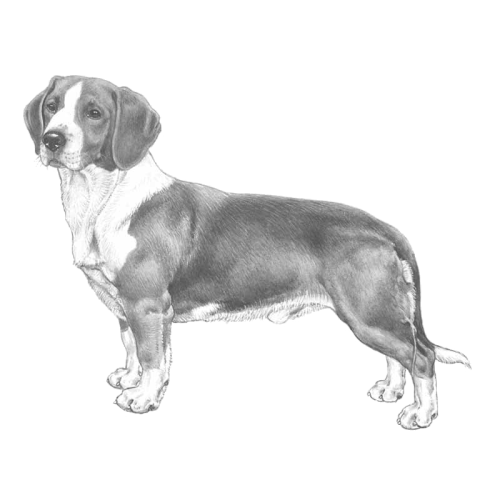
Drever
The Drever originated in Sweden in the early 20th century, developed by crossing the Westphalian Dachsbracke with local Swedish hounds to create a longer-legged, more...FCI Group 6
AKC Foundation Stock Service
TKC Not Recognized -
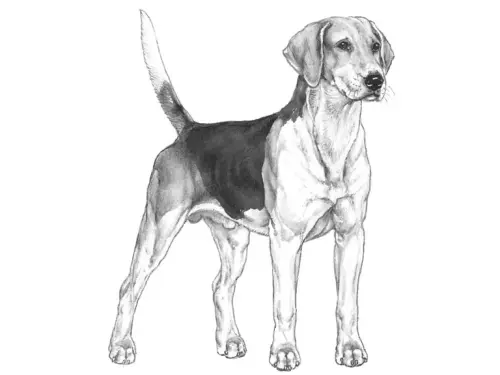
English Foxhound
The English Foxhound originated in England in the 17th century, developed from crosses of English hounds with French and Belgian hounds to create a fast, enduring pack...FCI Group 6
AKC Hound
TKC Hound -
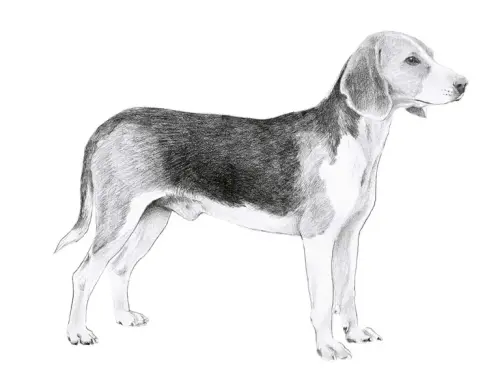
Estonian Hound
The Estonian Hound originated in Estonia in the early 20th century, developed by crossing local hunting dogs with imported scenthounds to create a versatile hunting...FCI Group 6
AKC Not Recognized
TKC Not Recognized -
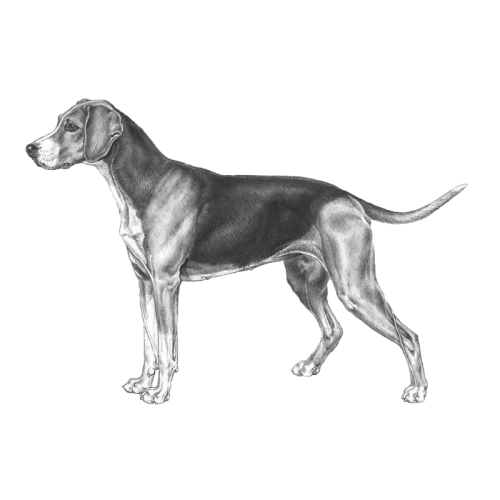
Finnish Hound
Originating in Finland in the late 19th and early 20th centuries, developed from local Finnish hunting dogs crossed with Swedish and Russian scenthounds to create a...FCI Group 6
AKC Not Recognized
TKC Not Recognized -
French Tricolour Hound
A breed from 19th century French scenthound breeding programs. It was developed by crossing various French hounds to produce a versatile pack dog with a tricoloured...FCI Group 6
AKC Not Recognized
TKC Not Recognized