






Sheepdogs and Cattledogs (except Swiss Cattledogs)
Dog breeds associated traditionally with herding activities.
-
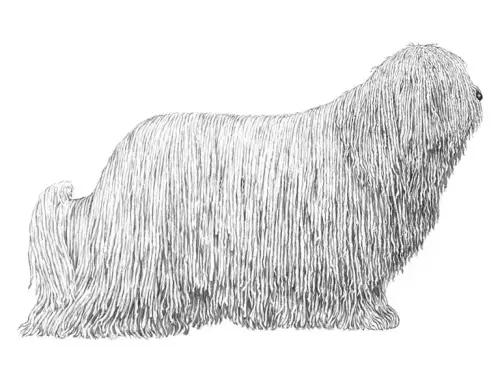
Komondor
The Komondor is a large, powerful livestock guardian breed, distinguished by its unique long, corded coat that provides protection from harsh weather and predators....FCI Group 1
AKC Working
TKC Pastoral -
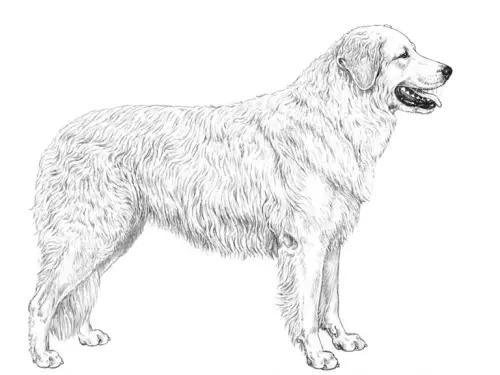
Kuvasz
The Kuvasz is a large, strong livestock guardian breed with a dense, white double coat and a muscular, well-proportioned frame suited for endurance and protection work....FCI Group 1
AKC Working
TKC Pastoral -

Majorca Shepherd Dog
The Majorca Shepherd Dog is a medium-to-large Spanish herding breed with a robust, agile build and a dense, weather-resistant coat adapted for managing livestock in...FCI Group 1
AKC Not Recognized
TKC Not Recognized -
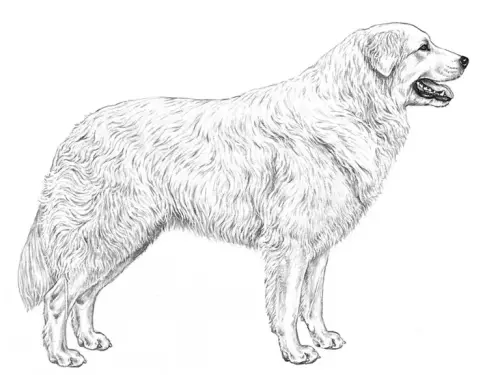
Maremma and the Abruzzes Sheepdog
The Maremma and Abruzzes Sheepdog is a large Italian livestock guardian breed with a thick, weather-resistant white coat and a powerful, well-muscled build suited for...FCI Group 1
AKC Not Recognized
TKC Pastoral -
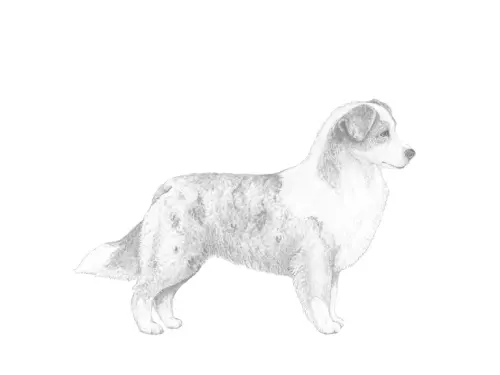
Miniature American Shepherd
The Miniature American Shepherd is a small-to-medium herding breed with a compact, athletic build and a dense, medium-length coat. Intelligent, energetic, and highly...FCI Group 1
AKC Herding
TKC Not Recognized -
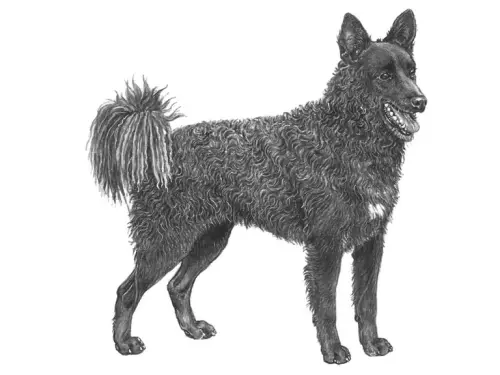
Mudi
The Mudi is a medium-sized herding breed with a compact, agile frame and a dense, wavy to curly coat that provides protection in varied weather conditions. Highly...FCI Group 1
AKC Herding
TKC Pastoral -
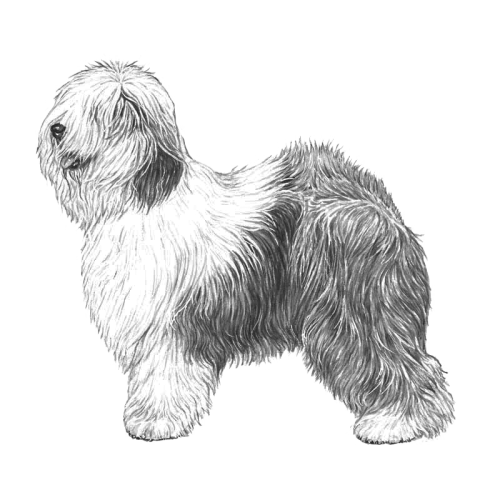
Old English Sheepdog
The Old English Sheepdog is a large, muscular herding breed distinguished by its profuse, long, shaggy coat and characteristic bobtail or naturally short tail....FCI Group 1
AKC Herding
TKC Pastoral -
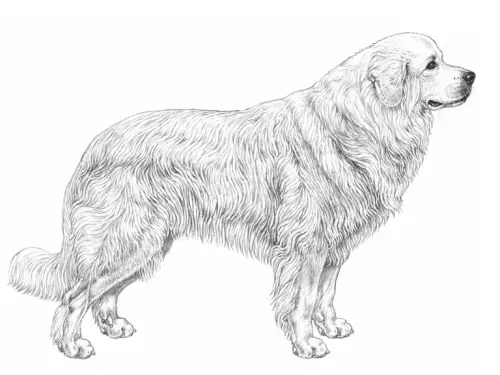
Owczarek Podhalanski
The Owczarek Podhalanski is a large, robust livestock guardian breed with a dense, weather-resistant white coat and a strong, muscular build adapted for mountainous...FCI Group 1
AKC Not Recognized
TKC Not Recognized -
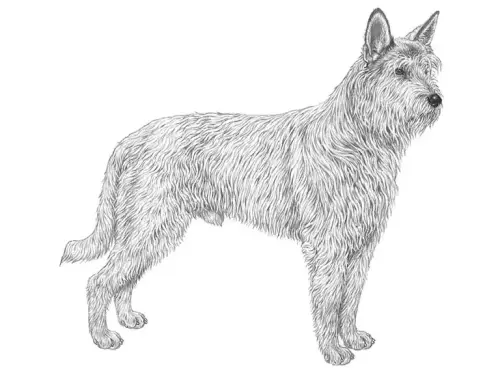
Picardy Sheepdog
The Picardy Sheepdog is a medium-to-large herding breed with a long, shaggy coat that provides protection in variable weather and a strong, agile build suited for...FCI Group 1
AKC Herding
TKC Pastoral -
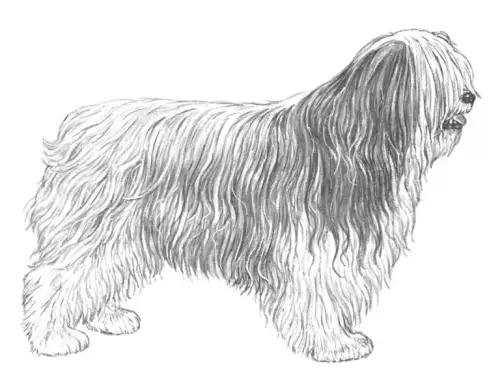
Polish Lowland Sheepdog
The Polish Lowland Sheepdog is a medium-sized, robust herding breed with a dense, long, and slightly wavy coat that protects it in varied climates. Intelligent,...FCI Group 1
AKC Herding
TKC Pastoral -
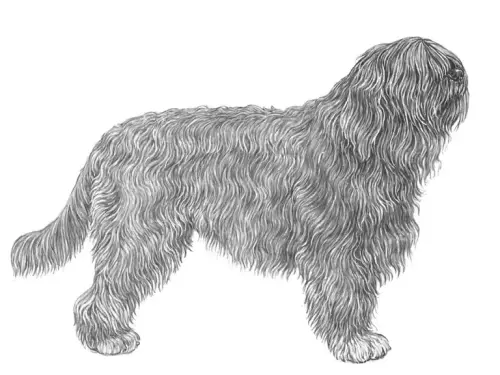
Portuguese Sheepdog
The Portuguese Sheepdog is a medium-sized herding breed with a dense, slightly wavy coat and a strong, agile build suited for managing livestock in varied terrains....FCI Group 1
AKC Foundation Stock Service
TKC Not Recognized -
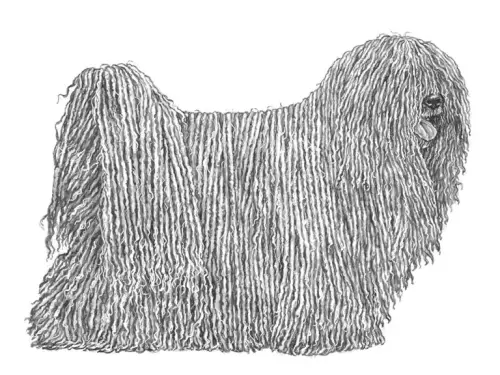
Puli
The Puli is a small-to-medium herding breed distinguished by its dense, corded coat that provides protection in harsh weather and against predators. Highly agile,...FCI Group 1
AKC Herding
TKC Pastoral -
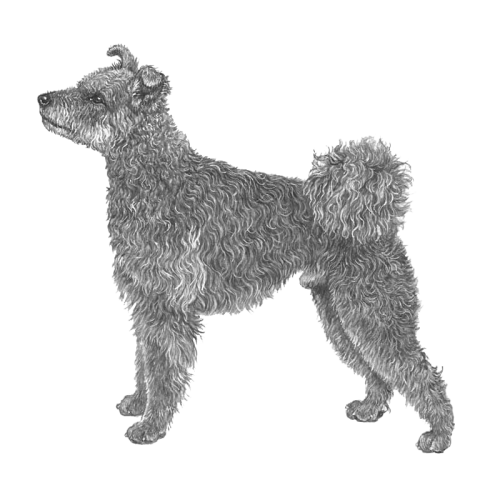
Pumi
The Pumi is a medium-sized herding breed with a curly, dense coat and an alert, agile build optimized for herding and versatile farm work. Intelligent, energetic, and...FCI Group 1
AKC Herding
TKC Pastoral -
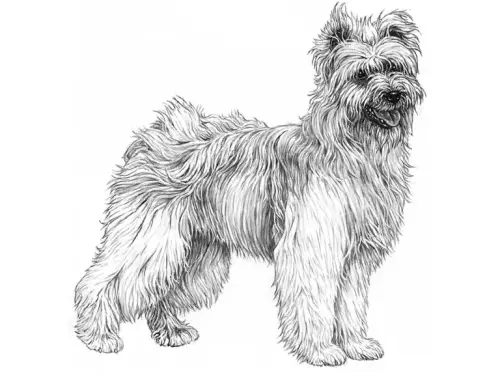
Pyrenean Sheepdog (Longhaired)
The Longhaired Pyrenean Sheepdog is a medium-sized herding breed with a long, thick coat that provides protection in mountainous and harsh weather conditions....FCI Group 1
AKC Herding
TKC Pastoral -
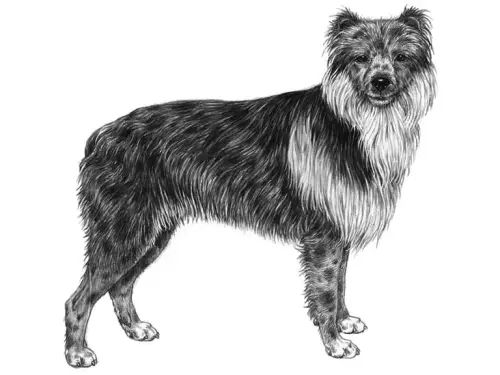
Pyrenean Sheepdog (Smooth Faced)
The Smooth-Faced Pyrenean Sheepdog is a medium-sized herding breed with a short, dense coat and a strong, agile build adapted for managing livestock in mountainous...FCI Group 1
AKC Herding
TKC Pastoral -
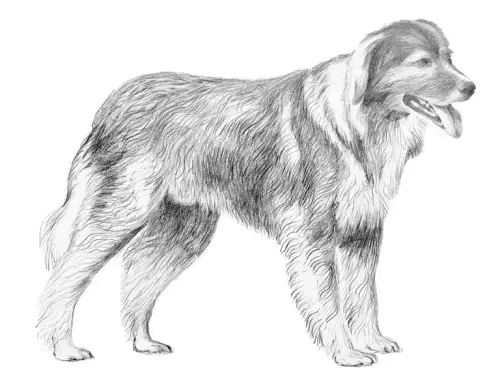
Romanian Carpathian Shepherd Dog
The Romanian Carpathian Shepherd Dog is a large, powerful livestock guardian breed with a dense, weather-resistant coat and a strong, muscular frame adapted for...FCI Group 1
AKC Foundation Stock Service
TKC Not Recognized -
Romanian Mioritic Shepherd Dog
The Romanian Mioritic Shepherd Dog is a large, robust livestock guardian breed with a long, dense, and weather-resistant coat, well-suited for mountainous and harsh...FCI Group 1
AKC Foundation Stock Service
TKC Not Recognized -
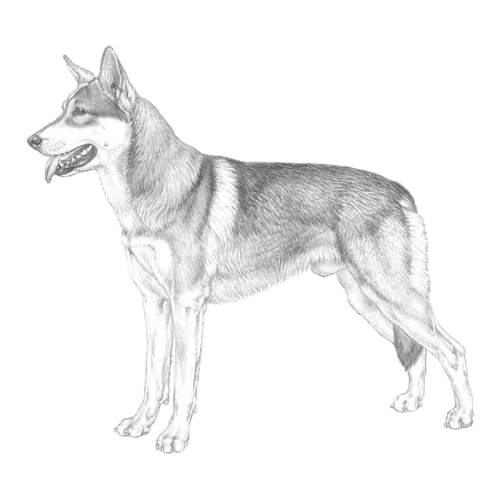
Saarlooswolfhond
The Saarlooswolfhond is a large, wolf-like breed with a strong, athletic build and a dense double coat, developed for endurance and adaptability in outdoor conditions....FCI Group 1
AKC Not Recognized
TKC Not Recognized -
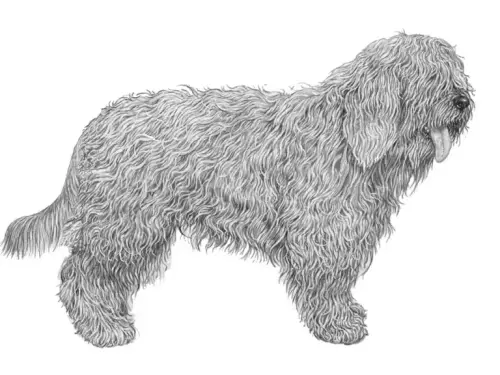
Schapendoes
The Schapendoes is a medium-sized herding breed with a long, dense, and slightly wavy coat that provides protection in variable weather conditions. Intelligent,...FCI Group 1
AKC Foundation Stock Service
TKC Not Recognized -
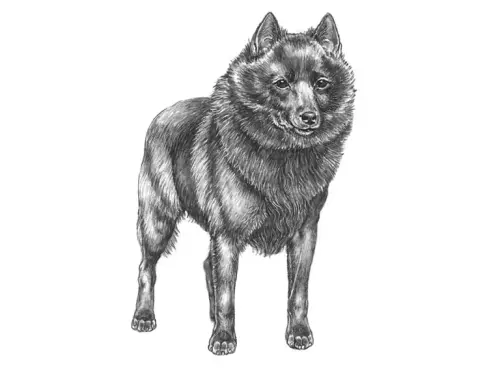
Schipperke
The Schipperke, historically known as the “little captain,” was bred to work on canal boats, serving as an alert watchdog and ratter on barges and narrowboats....FCI Group 1
AKC Non-Sporting
TKC Utility -
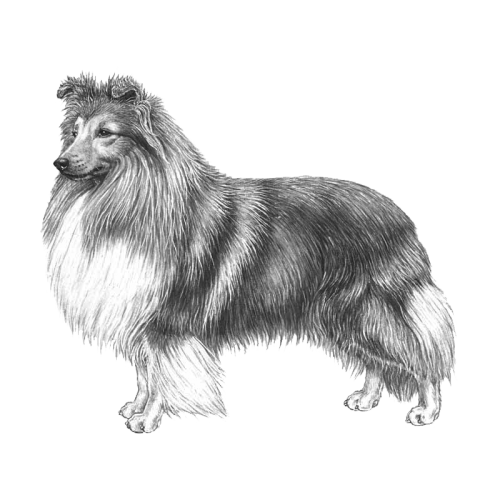
Shetland Sheepdog
The Shetland Sheepdog is a small-to-medium herding breed with a dense double coat, refined build, and expressive face, originally developed in the Shetland Islands for...FCI Group 1
AKC Herding
TKC Pastoral -
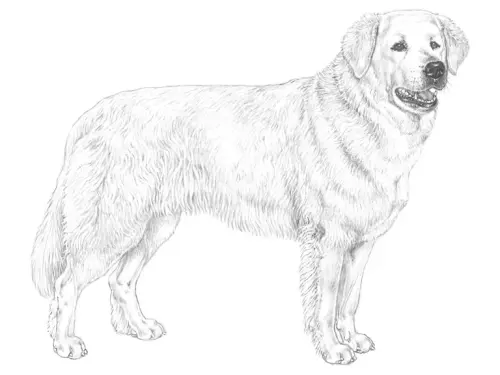
Slovakian Chuvach
The Slovakian Cuvac is a large, majestic livestock guardian breed with a thick, snowy-white coat and a strong, muscular frame, historically trusted to protect flocks in...FCI Group 1
AKC Foundation Stock Service
TKC Not Recognized -
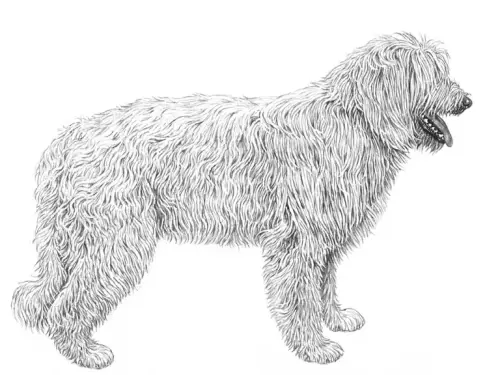
South Russian Shepherd Dog
The South Russian Shepherd Dog is a large, powerful livestock guardian breed with a dense, weather-resistant coat and a strong, athletic build, developed to protect...FCI Group 1
AKC Not Recognized
TKC Not Recognized -
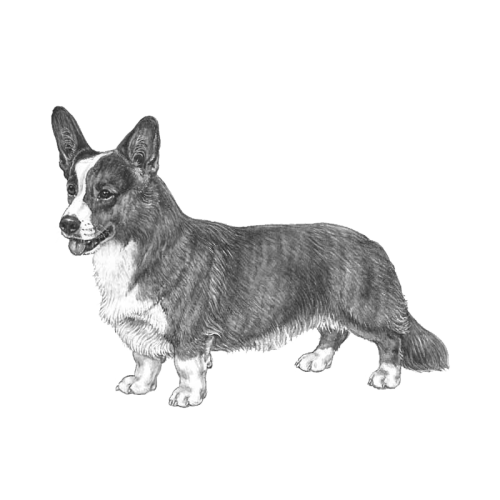
Welsh Corgi Cardigan
The Cardigan Welsh Corgi is a small, sturdy herding breed with a long body, short legs, and expressive eyes, combining agility and charm in equal measure. Intelligent,...FCI Group 1
AKC Herding
TKC Pastoral -
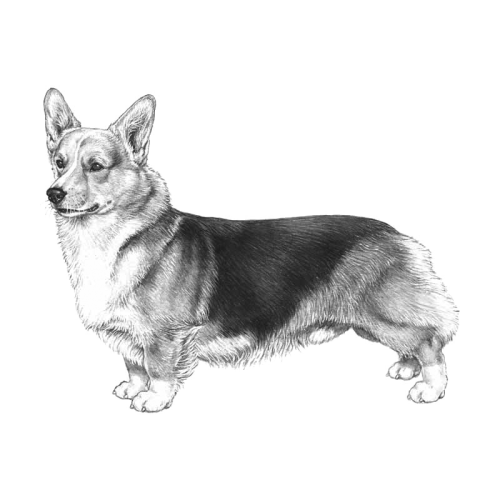
Welsh Corgi Pembroke
The Pembroke Welsh Corgi is a small, sturdy herding breed with a fox-like face, upright ears, and a compact, agile body, exuding both charm and alertness. Intelligent,...FCI Group 1
AKC Herding
TKC Pastoral